Account
Account Settings
Customize your PlayableLabs experience with appearance and notification preferences
Overview
Account Settings are your personal preferences, separate from organization-level settings. Access them via the header menu → Settings.
Appearance
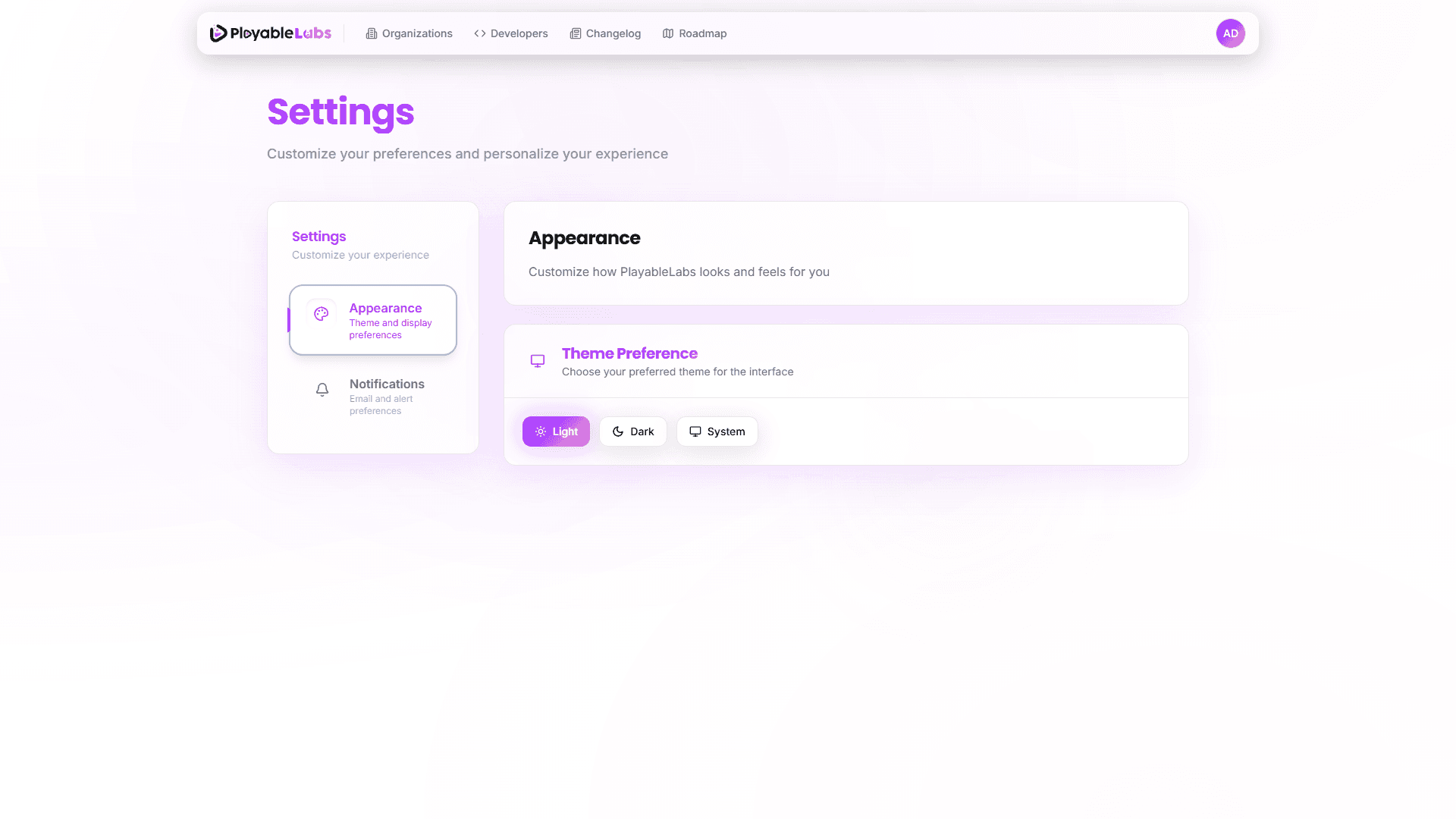
Customize the visual theme of your PlayableLabs interface:
- Light — Standard light theme
- Dark — Dark theme for reduced eye strain
- System — Automatically match your operating system preference
Theme changes apply immediately across all pages.
Notifications
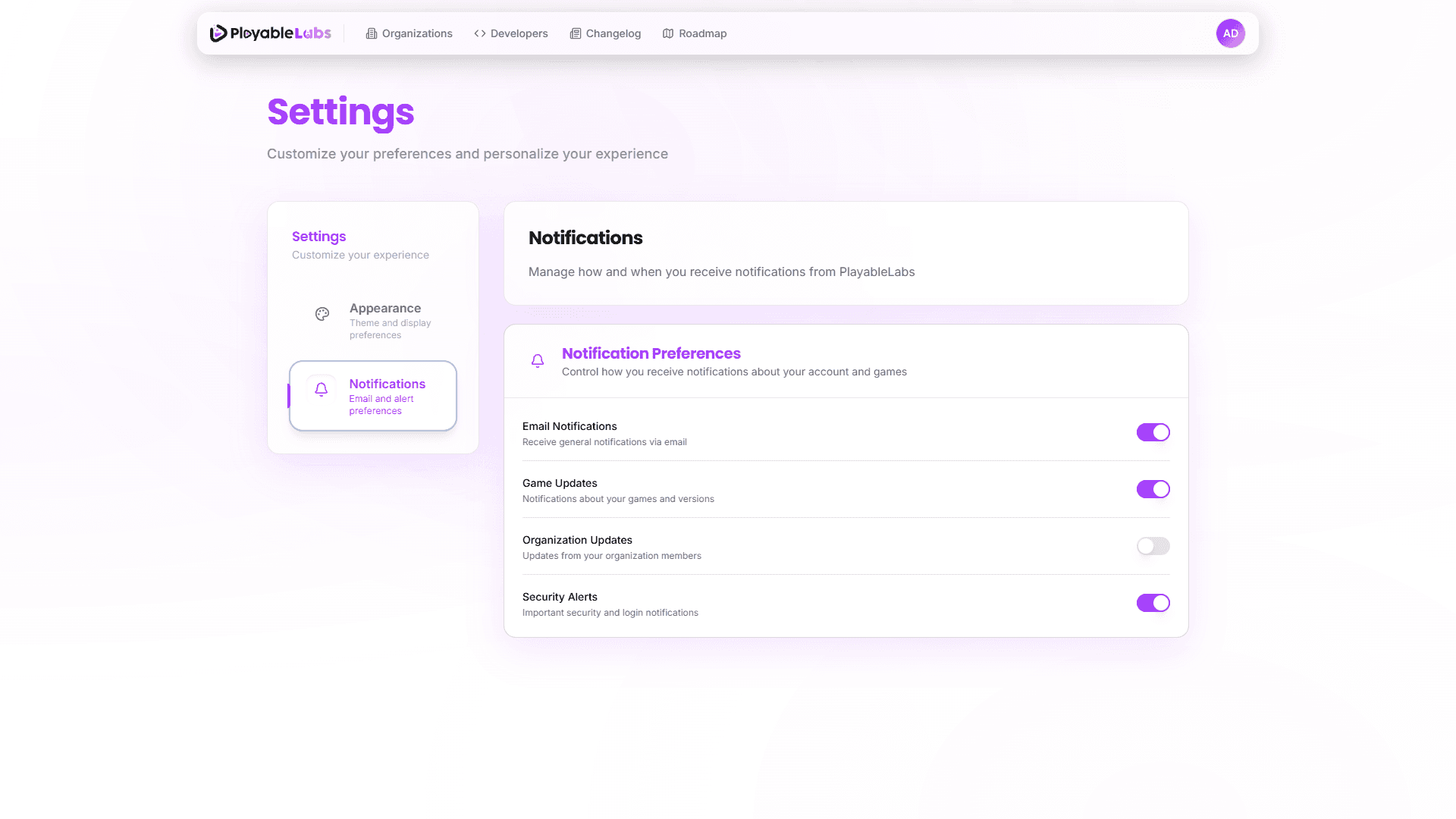
Configure how you receive updates and alerts:
- Email Notifications — Control which events trigger email alerts
- Push Notifications — Browser push notification preferences
- Activity Alerts — Get notified about team activity in your organizations
API Tokens
For API token management, you are redirected to Developers > Tokens.
The path /settings/tokens automatically redirects to /developers/tokens. This ensures a single, centralized location for all token management.
Next Steps
- User Profile — Manage your personal information and security
- Organization Settings — Configure your workspace