Getting Started
Invite Team Members
Add collaborators to your PlayableLabs organization with role-based access control
Why Collaborate?
PlayableLabs is built for teams. Invite designers, developers, and managers to work on playable ads together. Every action is tracked in the activity log, so you always know who changed what.
Inviting Members
- Navigate to Members in the sidebar
- Click Invite Member
- Enter the team member's email address
- Select a role (see roles below)
- Click Send Invite
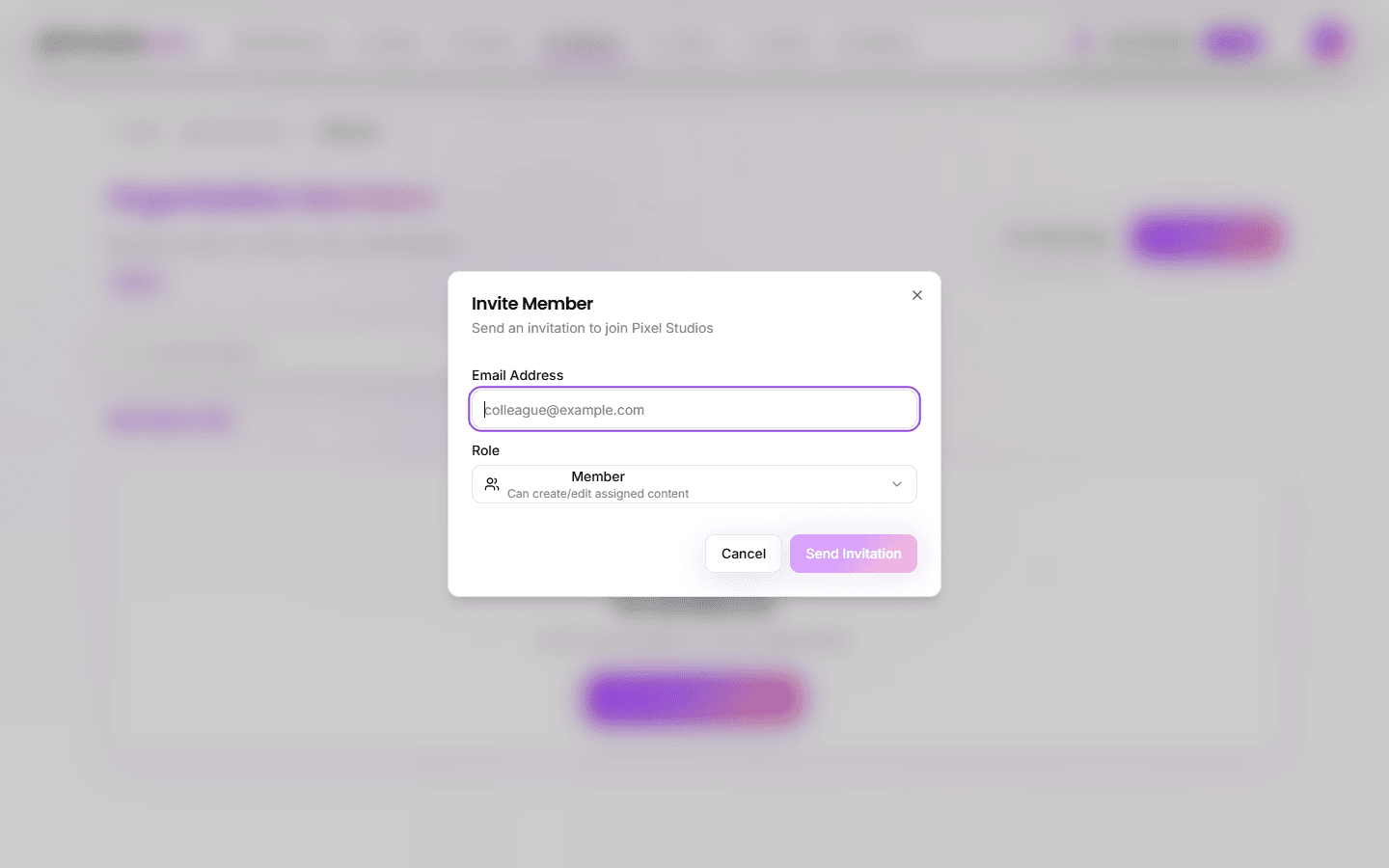
The invitee receives an email with a link to join your organization. Once they accept, they'll appear in the team members list.
Roles & Permissions
PlayableLabs uses role-based access control (RBAC) with five roles:
Owner
- Full control over the organization
- Manage settings and all team members
- Cannot be removed (only transferred)
- One owner per organization
Admin
- Manage games, assets, and team members
- Cannot delete the organization
- Can invite and remove Members and Viewers
Manager
- Create, edit, and delete games, versions, and variants
- Export playable ads
- Cannot manage team members or organization settings
Member
- Create and edit games, versions, and variants
- Upload and manage assets
- Export playable ads
- Cannot manage team or organization settings
Viewer
- Read-only access to games and assets
- Can view exports but not create them
- Useful for clients or stakeholders who need visibility
Permission Matrix
| Action | Owner | Admin | Manager | Member | Viewer |
|---|---|---|---|---|---|
| View games & assets | Yes | Yes | Yes | Yes | Yes |
| Create/edit games | Yes | Yes | Yes | Yes | No |
| Upload assets | Yes | Yes | Yes | Yes | No |
| Export playable ads | Yes | Yes | Yes | Yes | No |
| Manage team members | Yes | Yes | No | No | No |
| Organization settings | Yes | Yes | No | No | No |
| Delete organization | Yes | No | No | No | No |
Managing Team Members
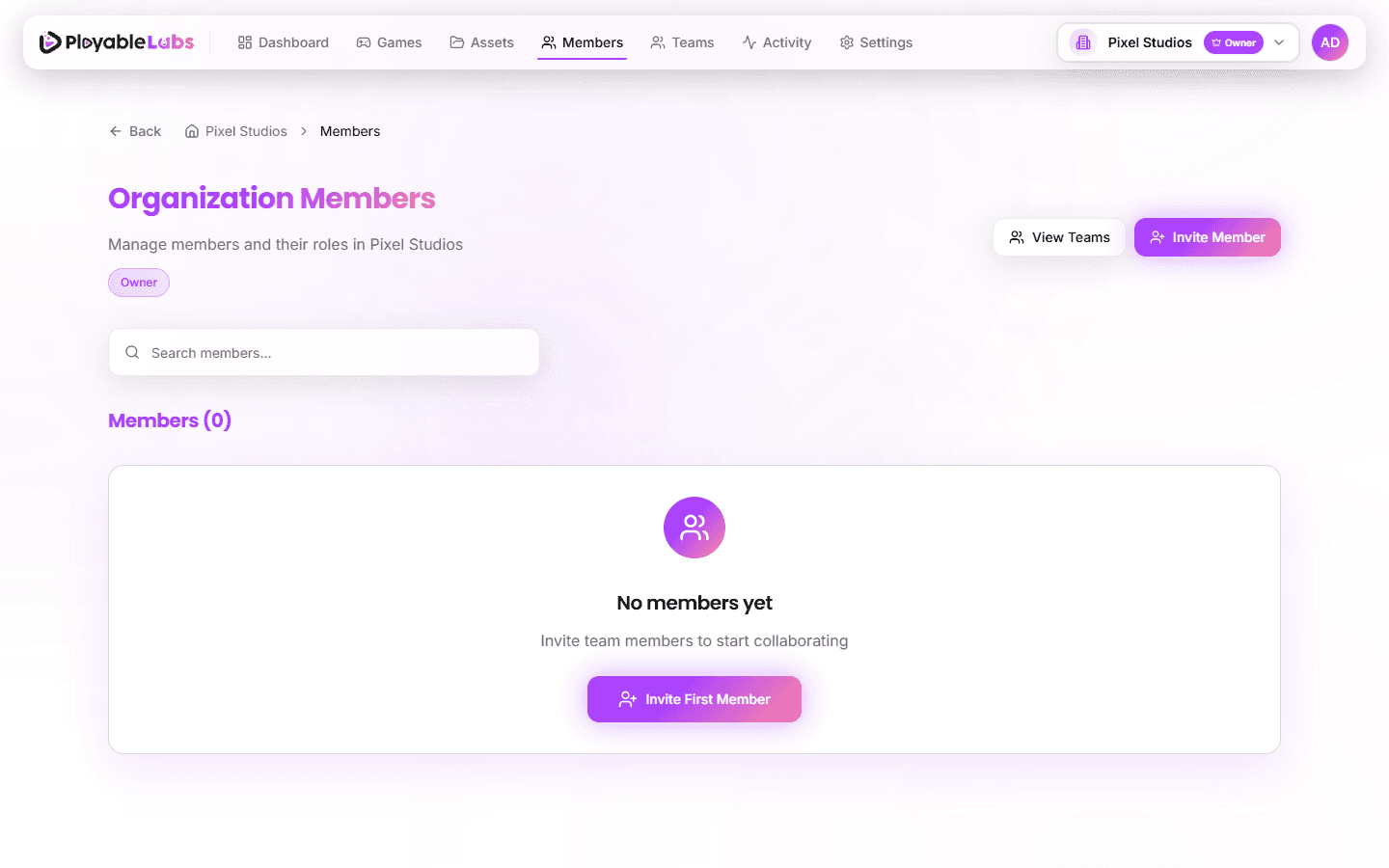
From the Members page in the sidebar, you can:
- Change roles — Click the role badge next to a member's name
- Remove members — Click the remove button (Owners and Admins only)
- Resend invites — For pending invitations that haven't been accepted
Best Practices
- Least privilege — Assign the minimum role needed for each person's responsibilities
- Use Viewer for clients — Give stakeholders read-only access instead of sharing exports manually
- Audit regularly — Review team members periodically and remove inactive accounts
- One Admin minimum — Ensure at least one Admin besides the Owner for continuity
What's Next?
You've set up your organization, created a game, and invited your team. Explore these areas next:
- Games — Deep dive into game management and organization
- Assets — Learn about the asset library and media management
- Customization — Customize playable ads with the parameter editor