Organization Management
Switch between organizations, manage your workspaces, and understand multi-org workflows
Overview
Organizations are the top-level workspaces in PlayableLabs. Each organization has its own games, assets, members, and settings. Access the organization switcher by clicking the organization name in the header navigation.
Organization Switcher
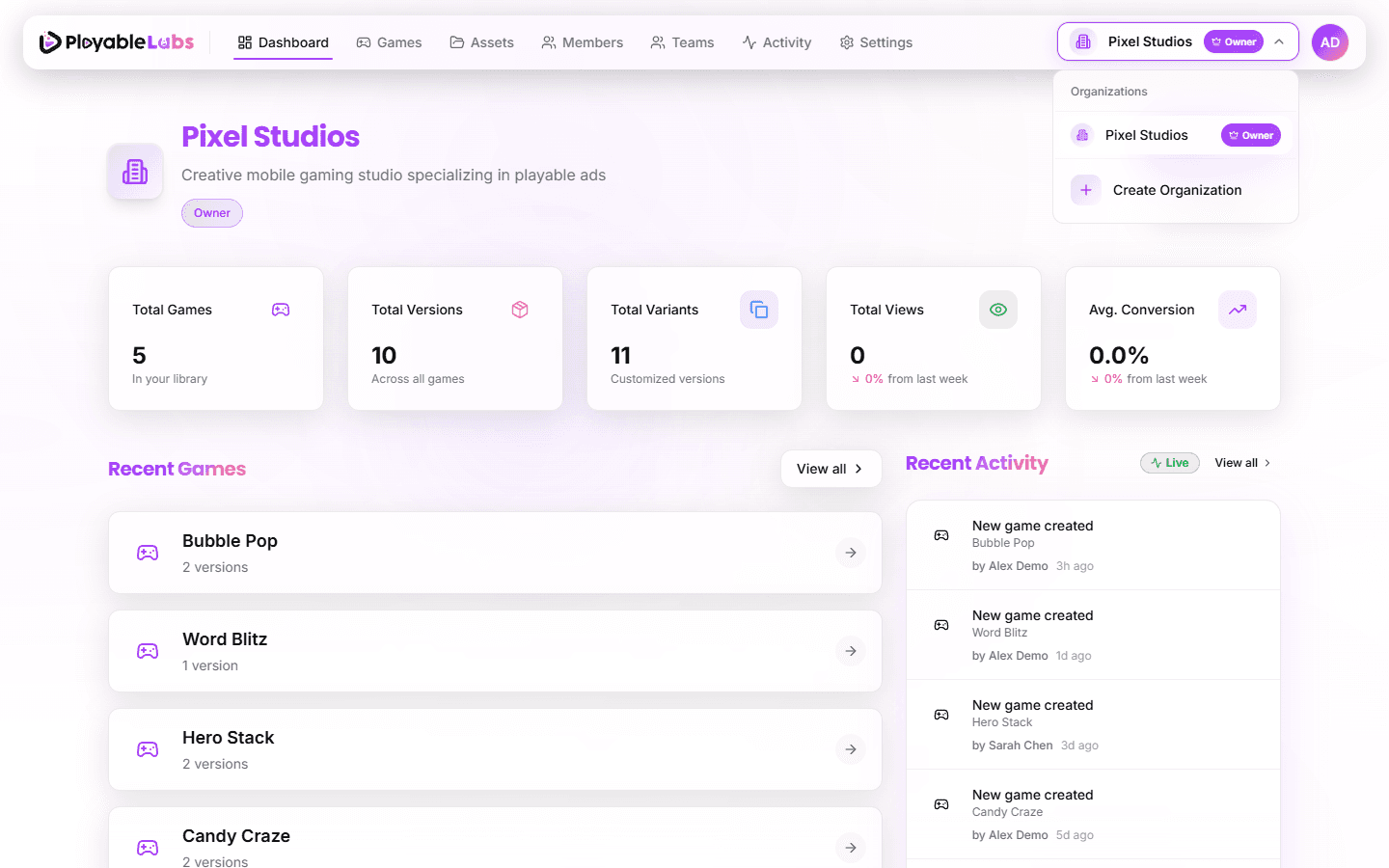
Click the organization name in the header to open the organization selector:
- Search — Find organizations by name with instant filtering
- Infinite Scroll — Browse large org lists without pagination
- Role Badges — Each org shows your role (Owner, Admin, Manager, Member, Viewer)
- Quick Stats — See member count and game count per organization
Click an organization to switch your active workspace. All navigation updates to reflect the selected organization's data.
Organization Cards
Each organization in the switcher displays:
- Logo/Avatar — Organization branding or generated avatar
- Name — Organization display name
- Member Count — Number of team members
- Game Count — Number of games in the organization
- Last Activity — Relative timestamp of the most recent activity
Creating Organizations
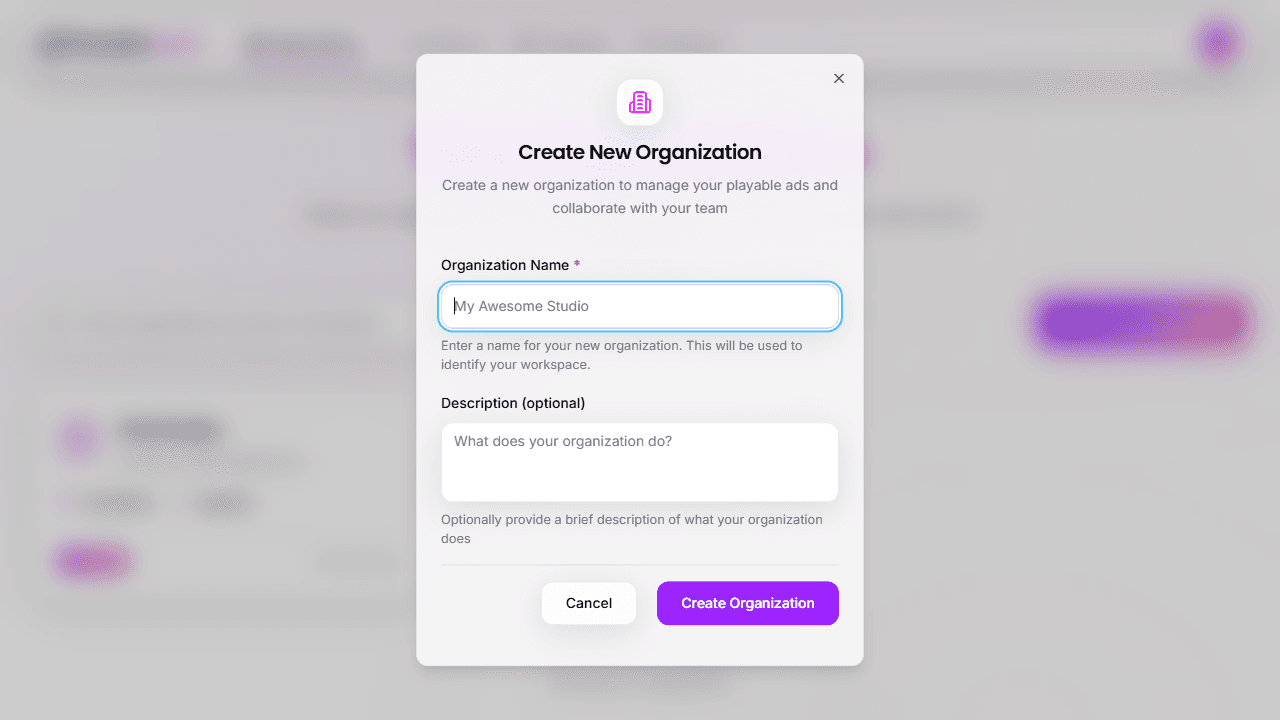
You can create additional organizations at any time:
- From the Organizations page — Click the Create Organization button at
/organizations - From the Organization Switcher — Select Create Organization at the bottom of the dropdown
Provide a name (required) and optional description. You'll automatically become the Owner of the new organization.
Multi-Organization Workflow
Each organization is fully isolated:
- Data Isolation — Games, assets, and settings are separate per organization
- Member Independence — Each org has its own member list and roles
- Role Variance — You may have different roles in different organizations (e.g., Owner in one, Member in another)
- Free Switching — Switch between organizations at any time without logging out
Next Steps
- Dashboard — Explore your organization dashboard
- Organization Settings — Configure your workspace
- Invite your team — Add members to your organization